Flexible audio capture
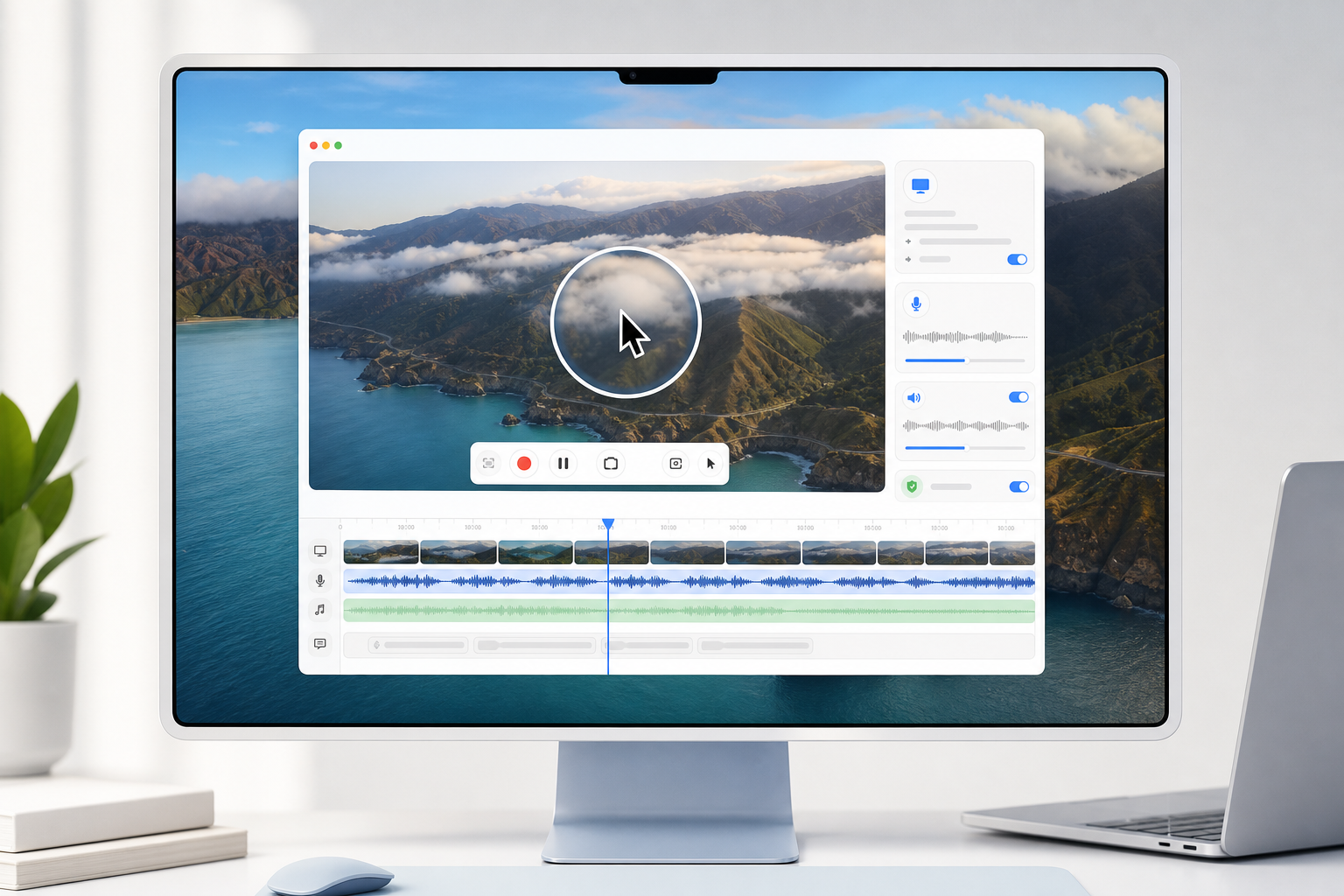
Choose microphone audio, system audio, both sources together, or silent screen recording depending on the project.
 SmartRecord
macOS screen recording
SmartRecord helps creators, teachers, developers, and product teams capture polished H.264 recordings on Mac with microphone and system audio options, SmartFocus cursor emphasis, and optional local Whisper VTT subtitle generation.
What it does
Choose microphone audio, system audio, both sources together, or silent screen recording depending on the project.
Mouse activity can guide a temporary zoom into the active area, then return smoothly to the full recording.
Optional VTT subtitle files can be generated after recording using the bundled local Whisper workflow.
Privacy first
SmartRecord is designed around local files. Screen content, microphone audio, system audio, exports, and generated subtitles are processed on your Mac and are not uploaded to a SmartRecord server.
View the full privacy policy